The Profile Hub
Personal ProjectA free, open-source contact-sharing platform for events, meetups, and teams. Create a group, share one link, and let everyone add their own info.
The Story
It started at a networking event. Someone asked “how do I reach you?” and suddenly five people were firing off LinkedIn links, Instagram handles, GitHub URLs, and phone numbers into a group chat that nobody would ever scroll back through. I watched an event host paste a wall of links into Slack only for attendees to completely ignore it. I watched someone type their email only for autocorrect to mangle it into nonsense. I even saw someone pull out a stack of business cards — in 2024.
The problem was obvious: there was no simple, frictionless way for a group of people to share their contact info with each other at an event. Every existing solution either required downloading an app, creating yet another account, or wrestling with some clunky spreadsheet.
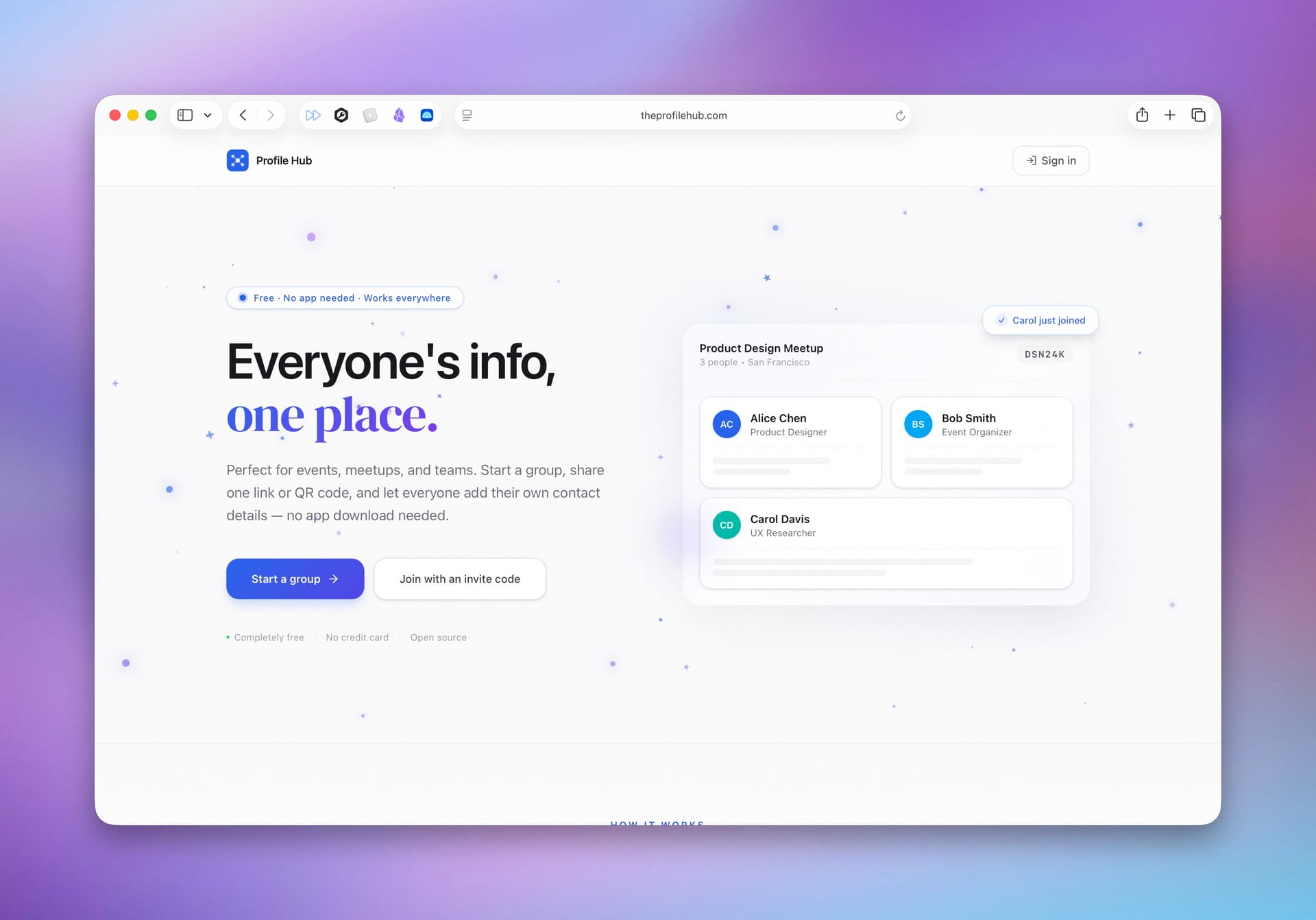
So I built The Profile Hub — a free, open-source tool where a host creates a group in seconds, shares one link or QR code, and every attendee adds their own contact details. No app download, no friction. Everyone ends up in one clean, browsable list of profile cards with all their links and socials.
What It Does
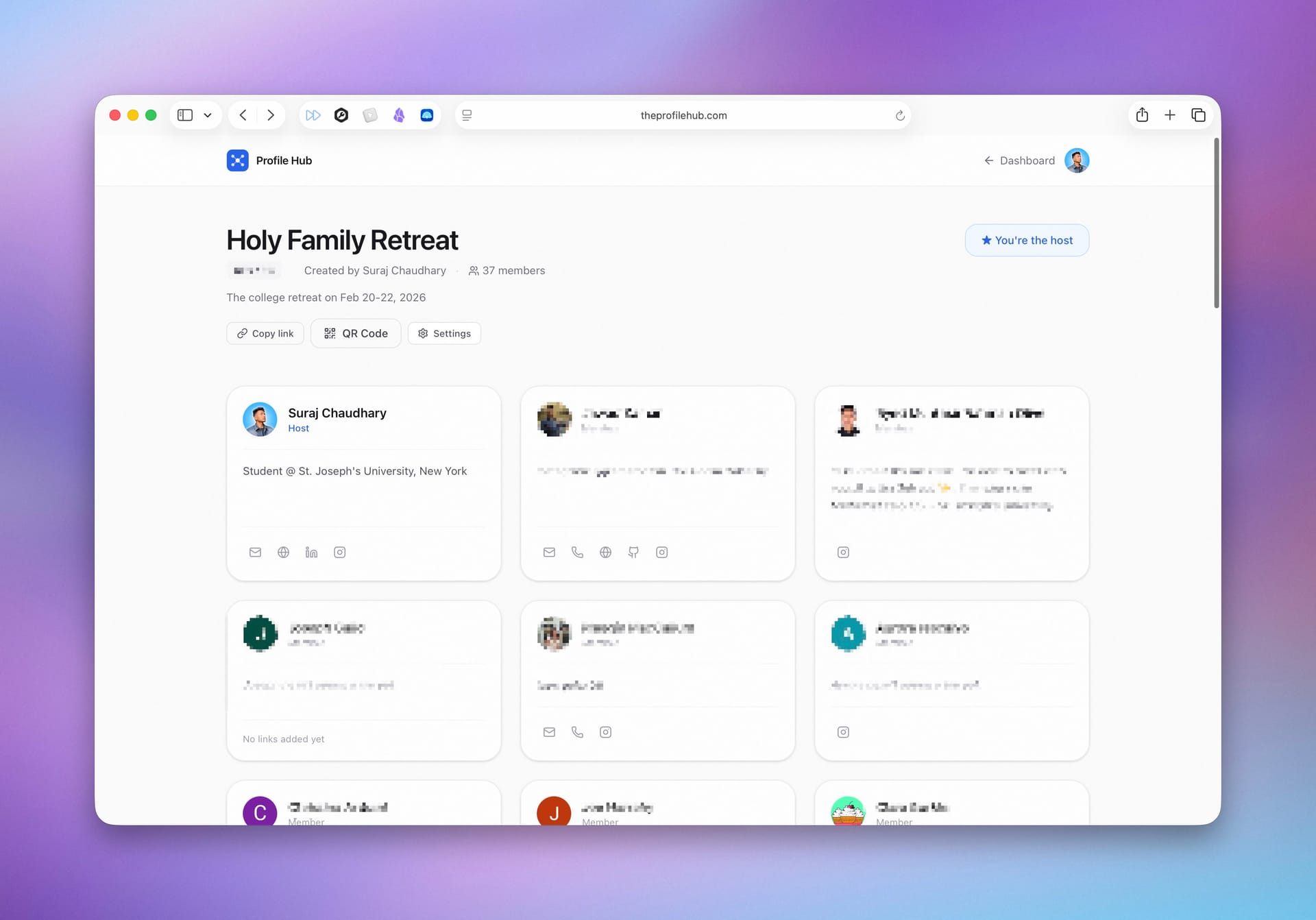
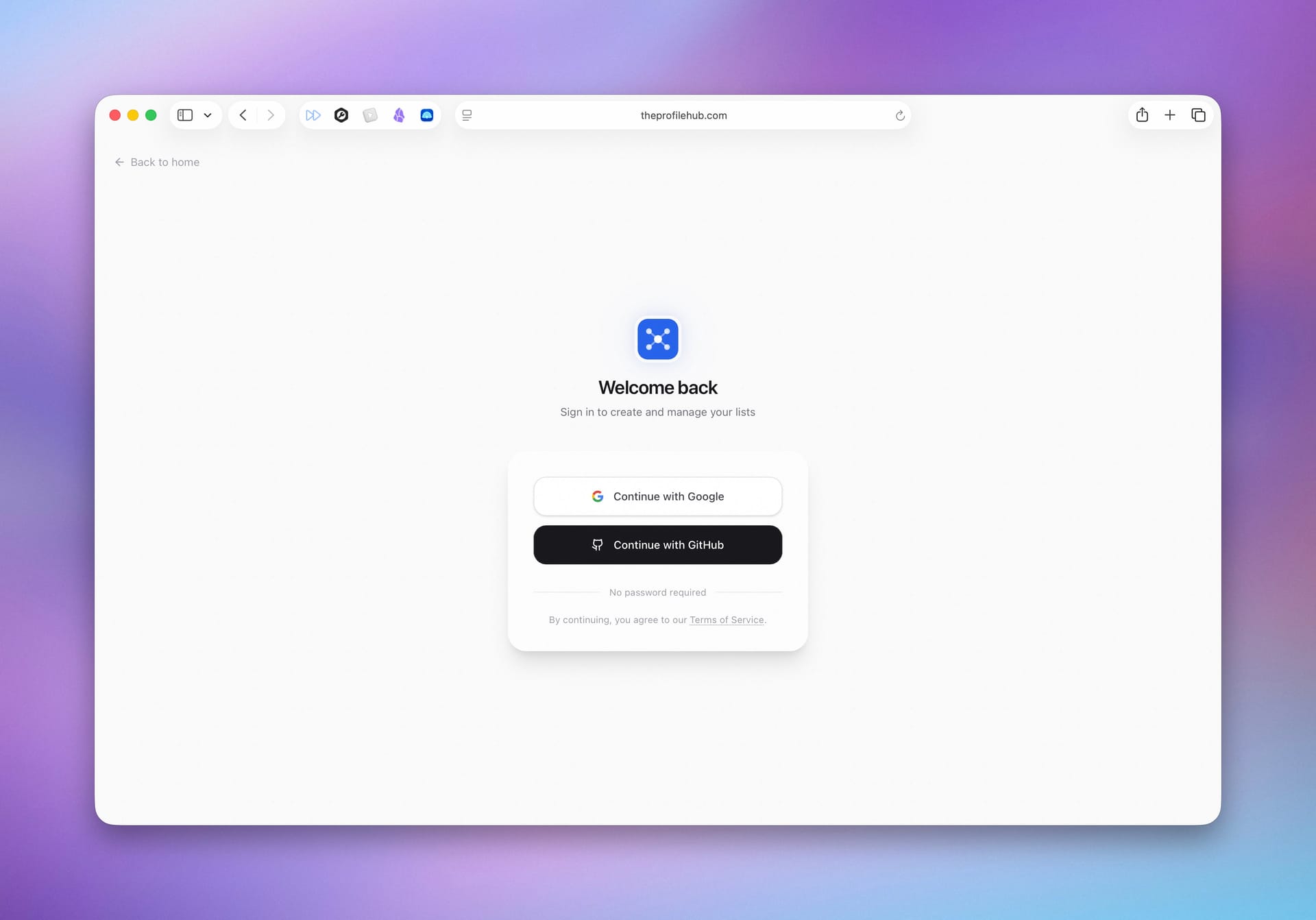
- Group creation — Sign in with Google or GitHub, name your group, and get a unique 6-character invite code instantly
- One-link sharing — Share via a direct URL, the alphanumeric code, or a downloadable QR code
- Profile cards — Each member gets a card showing their name, avatar, bio, and social links (LinkedIn, GitHub, Instagram, Twitter/X, YouTube, website, email, phone)
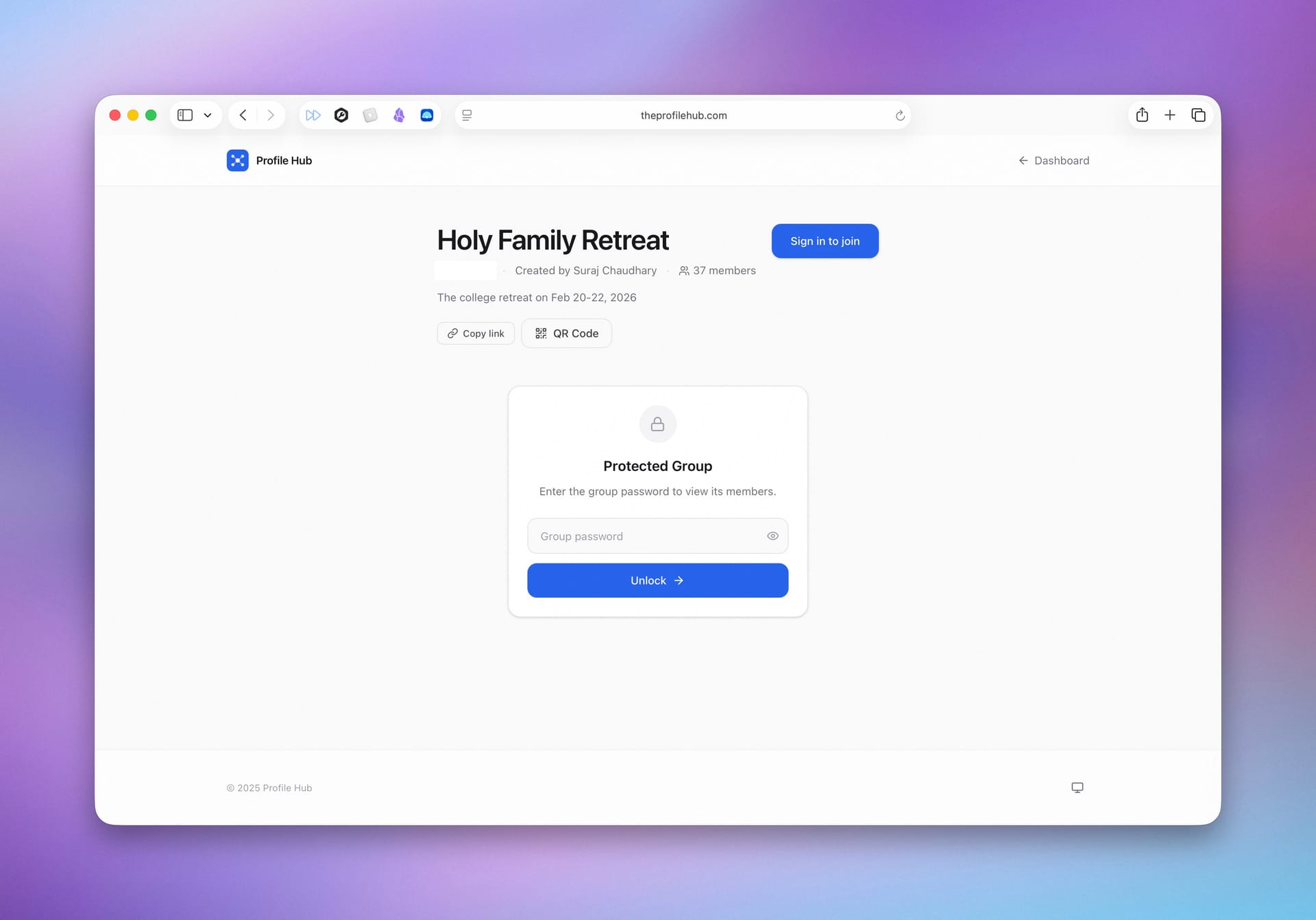
- Password-protected groups — Optionally lock groups behind a password so only invited members can view the directory
- Dashboard — Manage all your created and joined groups in one place
- Settings — Edit your profile info once and it reflects across every group you join
- Dark mode — Full light/dark theme support with smooth transitions
- Auto-join flow — Users who sign in through a list invite link get routed through profile setup and automatically joined back to the group
Tech Stack
| Layer | Technology |
|---|---|
| Framework | Next.js 16 (App Router) |
| Language | TypeScript |
| UI | React 19, Tailwind CSS 4 |
| Auth | NextAuth v5 (Auth.js) — Google + GitHub OAuth |
| Database | PostgreSQL via Neon Serverless |
| ORM | Prisma 7 with Neon WebSocket adapter |
| Hosting | Vercel |
| Other | QR code generation, Zod validation, Lucide icons, Vercel Analytics |
The design system leans heavily into glassmorphism — frosted glass headers, backdrop blurs, and subtle transparency throughout. The landing page features an animated aurora gradient background with floating sparkle particles built entirely with CSS. Custom CSS animations handle card hovers, gradient text effects, and staggered fade-in-up transitions.
Problems I Faced (and How I Solved Them)
1. Prisma on Vercel's Edge Runtime
Deploying to Vercel seemed straightforward until the build started failing with cryptic Prisma errors. The standard Prisma client doesn't work in Vercel's serverless/edge environment because it relies on a native binary engine.
The fix: I switched to Neon's serverless driver paired with Prisma's adapter, which uses WebSockets instead of a direct TCP connection. This required configuring the WebSocket constructor and creating a dedicated Prisma client instance for auth that uses the Neon adapter. I also had to add a postinstall script to ensure the Prisma client gets generated during Vercel's build step.
2. NextAuth v5 OAuth Callback Failures in Production
OAuth sign-in worked perfectly in development but broke in production with a vague “server error” during the callback. The issue was that NextAuth couldn't determine the correct callback URL when running behind Vercel's reverse proxy.
The fix: Adding trustHost: true to the NextAuth config. I also had to set up separate GitHub OAuth app credentials for local development vs. production (different callback URLs), with the config dynamically selecting credentials based on the environment.
3. The Auto-Join Race Condition
When an unauthenticated user clicks “Join” on a list, they need to: sign in → fill out their profile → get redirected back and joined to the list. The challenge was maintaining that intent across multiple redirects without losing context.
The fix: I built a multi-step redirect chain using URL search params. Clicking “Join” redirects to sign-in with a callback, which after authentication triggers a redirect to settings with an auto-join param, which finally lands back on the list page where the param triggers an automatic join. I also had to handle the edge case where Next.js's redirect() throws internally — it can't be called inside a try-catch, so I use a flag variable to call it outside the block.
4. Dark Mode Across the Entire App
Adding dark mode wasn't just flipping a switch. With Tailwind CSS 4's new @custom-variant syntax, I had to define custom dark variants instead of the old config approach. Then every single component, page, and utility class needed dark variants — borders, backgrounds, text colors, shadows, gradient overlays, and all the custom CSS like glassmorphism, aurora backgrounds, and sparkle particles.
The fix: Systematic pass through every file. I also built a ThemeToggle component that reads/writes to localStorage and adds/removes the dark class on the HTML element, mounted in every page header and footer for consistency.
5. Password-Protected Lists Without Hashing
Groups can optionally require a password to view. But this is an event access code, not a personal credential — it needs to be displayed in plaintext to the host so they can share it verbally. Hashing would make that impossible.
The fix: I store the password as plaintext in the database (with a clear comment in the schema explaining why) and use HTTP-only cookies to track which visitors have already entered the correct password. The cookie approach means users don't have to re-enter the password on every page load, and the server action validates the password before setting it.
What I Learned
This project pushed me through the full stack — from designing a polished, animated landing page to wrangling serverless database adapters and multi-step OAuth redirect chains. The biggest takeaway was how many sharp edges exist at the intersection of modern tools (Next.js App Router, Prisma on edge, NextAuth v5 beta) and how much of the real work is in the details: handling race conditions, making dark mode actually work everywhere, and making the join flow feel seamless even across multiple redirects.